Eye on the Reef: 5 Apps Every 2026 Traveller Should Use While Snorkelling

If you’re heading out to the Great Barrier Reef in 2026, the most important thing you can pack isn’t just reef-safe sunscreen (which is a given by the way) – it’s the right digital tools.
I’m pretty sure I’ve stood at the Reef Fleet Terminal in Cairns more times than I can count, coffee in hand, trying to cram every last detail into travellers just before they’re due to set off while they’re still scrambling to download their apps on rubbish Wi-Fi.
You can’t fool Mother Nature: the reef runs on the tides, the wind and the temperature – not your holiday schedule.
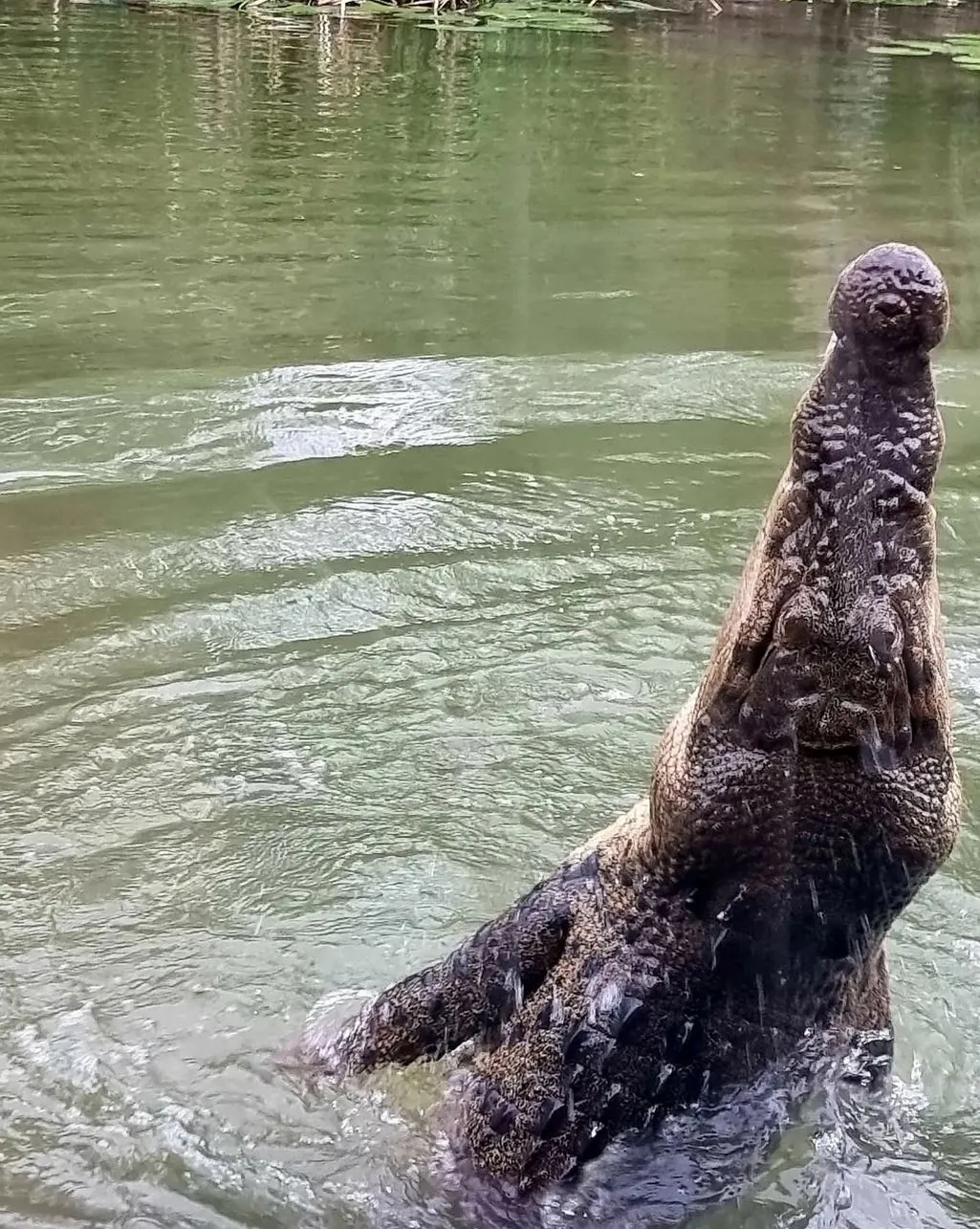
The Great Barrier Reef in Queensland is freakin massive – it stretches over 2,300kms along the coast and supports one of the most incredible coral reef ecosystems on our planet.
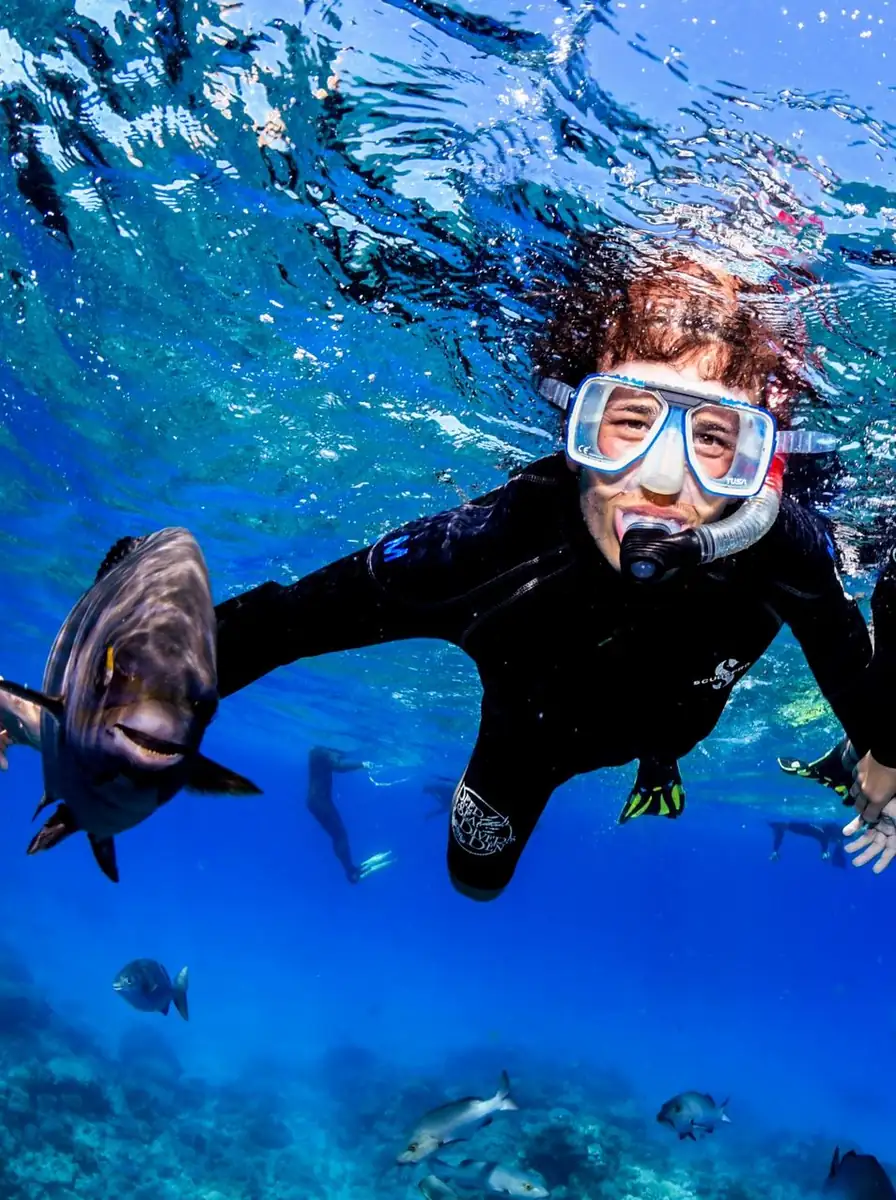
It’s home to thousands of marine species, from tropical fish to sea turtles and even reef sharks on the outer reef.
With more and more coral bleaching events and tighter rules around Reef Management, using the right apps isn’t just a good idea – it’s plain common sense.
Contents
- 1 Help Save the Reef While You’re There Snorkelling
- 2 Get To Know Your Sea Creatures Without Guessing
- 3 Before You Dive In – Check the Conditions
- 4 Know Your Zone Colours and Where Not to Anchor
- 5 Keeping Your Travel Logistics In Order
- 6 Where These Tools Really Come In Handy
- 7 Choosing Responsible Operators – Doing It Right
- 8 Planning Your Reef Trip – The Hard Learned Way
- 9 Final Thoughts
- 10 FAQ
- 10.1 Do I Actually Need Any Reception Out In The Middle Of Nowhere?
- 10.2 Can I Just Use These Apps Instead of A Guide? – No Way
- 10.3 Is Coral Bleaching Still Happening?
- 10.4 I’ve Heard The Outer Reef Is Better Than The Inner Reef – What’s The Story?
- 10.5 Reef HQ Sounds Cool, But Will It Be Worth Visiting If My Trip Is Cancelled Due To Weather?
Help Save the Reef While You’re There Snorkelling
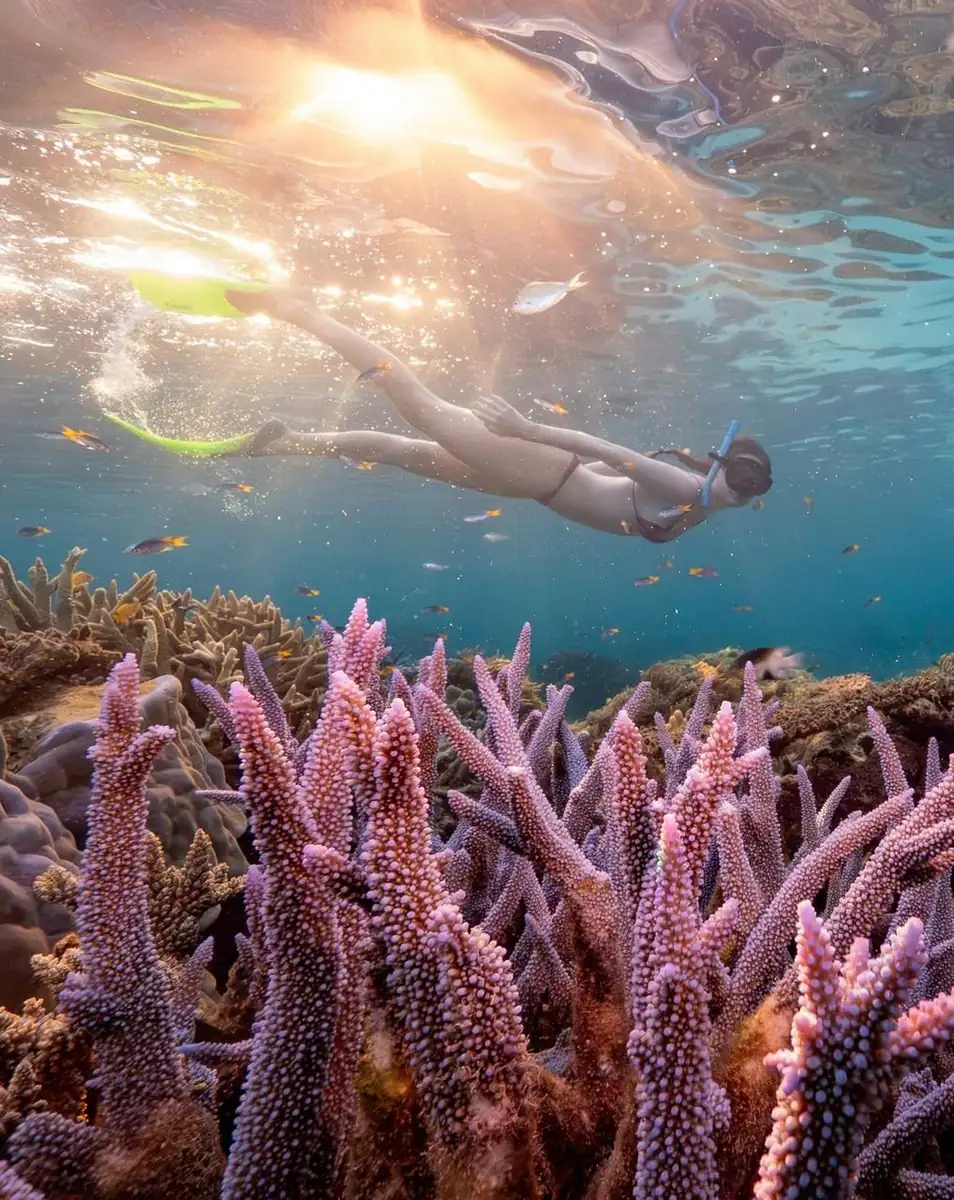
Floating above coral formations as you snorkel is like a magic thing.
But taking note of what you see? That really does help protect the place.
If you’re already at the reef, then you might as well support conservation efforts while you’re there.
Eye On The Reef App – Goodbye Reef Management Bureaucracy
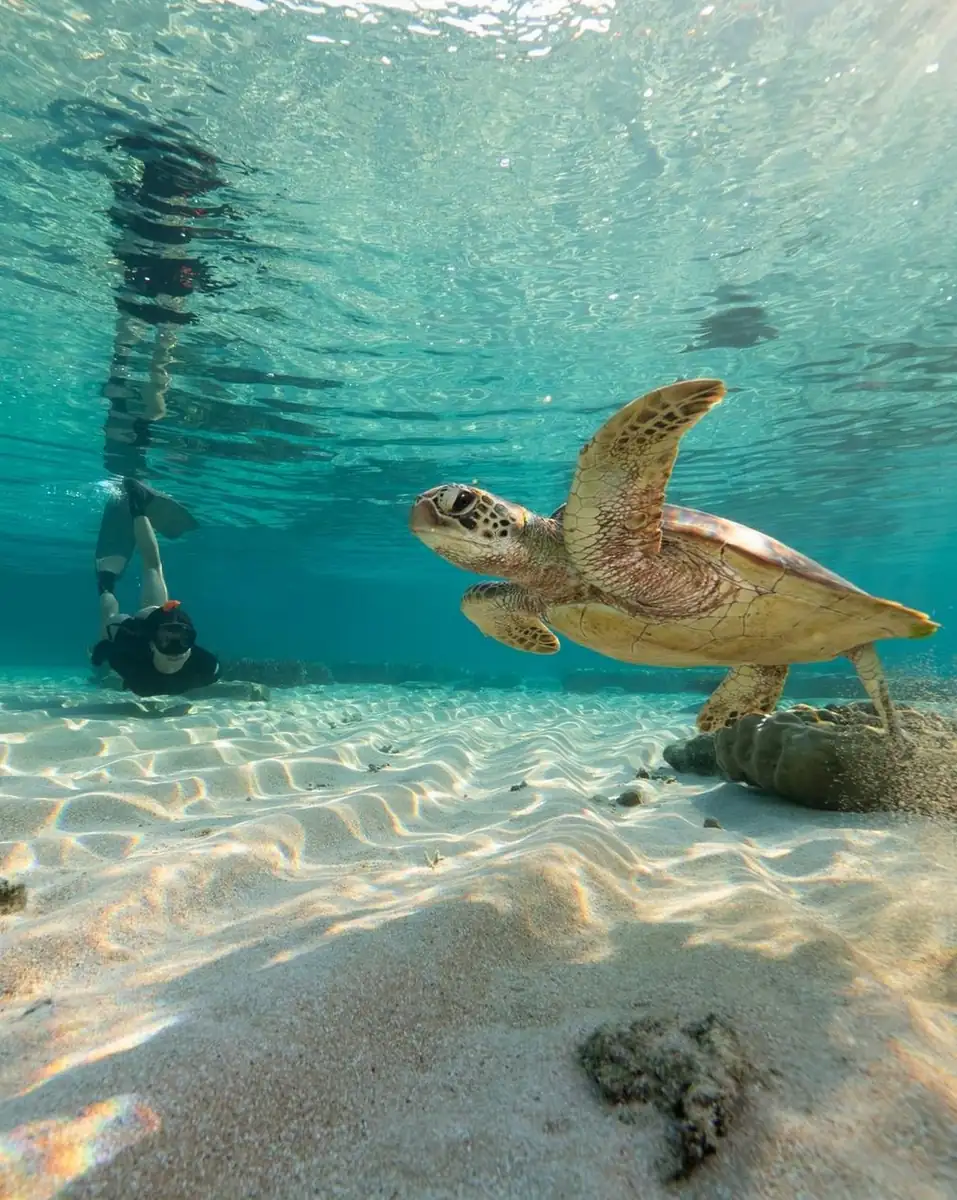
The Eye on the Reef app has been developed by the Great Barrier Reef Marine Park Authority and basically lets visitors record sightings of:
- Coral bleaching
- Crown-of-thorns starfish
- Sea turtles
- Reef sharks
- Damaged coral walls
Rangers can’t possibly monitor every single reef cay every day – that’s where good old-fashioned citizen science comes in.
Your observations support Reef Snapshot programs, turtle monitoring projects and broader coral reef conservation plans.
I received a couple of guest reports of crown-of-thorns starfish near Fitzroy Island via the app; within a few days, a follow-up team visited and confirmed the sightings.
That’s what really makes a difference, right?
Get the app before you leave the Cairns Esplanade or the Reef Fleet Terminal – there’s no Wi-Fi once you’re out at sea.
Get To Know Your Sea Creatures Without Guessing
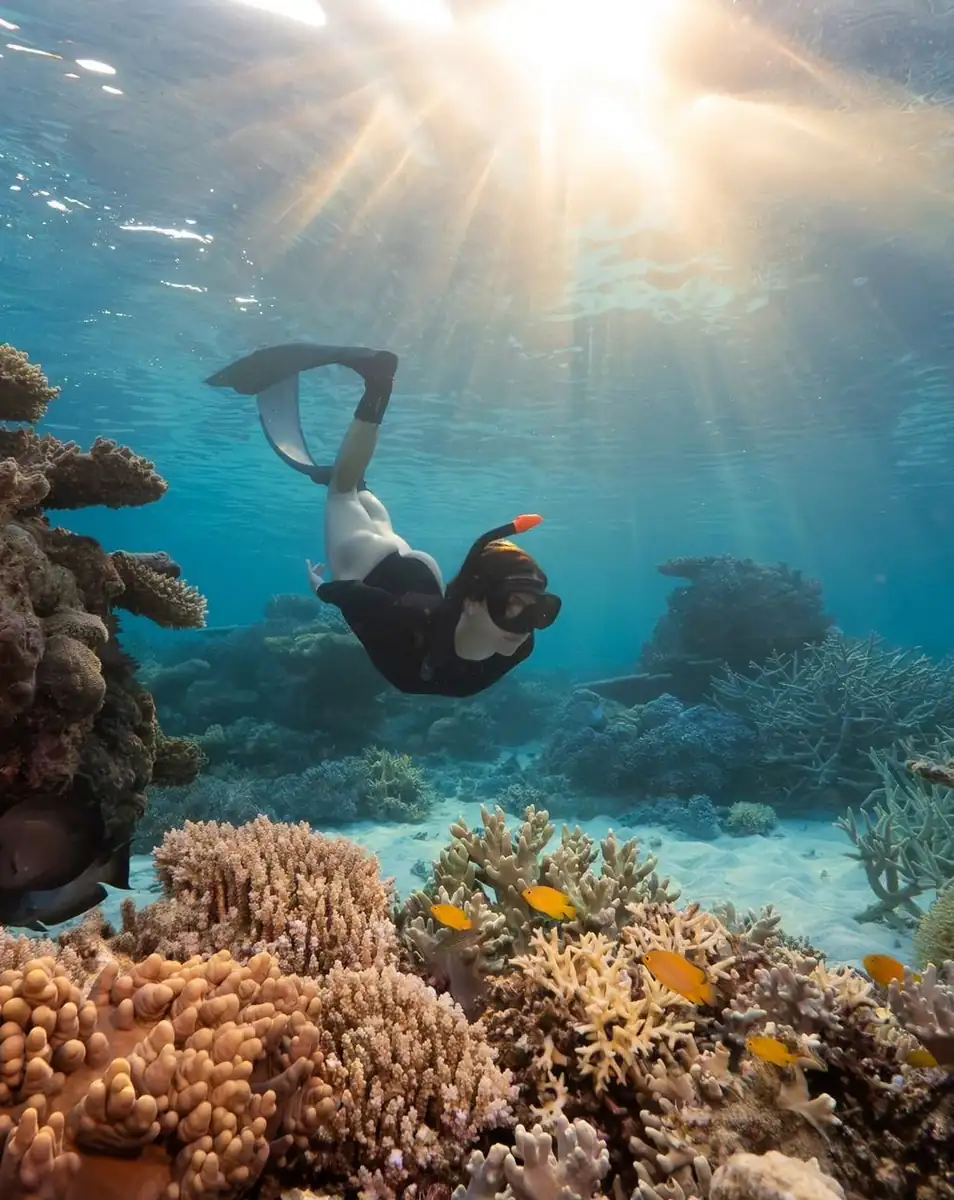
The thing is, most of us – even experienced travellers – have no idea what a reef shark looks like or a large trevally, for that matter.
That’s totally fine – until someone goes around confidently labelling every single fish as a ‘reef shark’.
iNaturalist – Put A Face To Your Marine Life
iNaturalist was created by the California Academy of Sciences and the National Geographic Society; it uses photo recognition to identify the marine life in your photos.
You take a photo, upload it, and the community will verify its identity.
Over time, you’ll build up your own personal Reef Biosearch log.
Understanding coral ecosystems is actually pretty powerful – when you get that coral is a living creature that can get bleached, then you’re less likely to go trampolining on it for a selfie.
Before You Dive In – Check the Conditions
From the Cairns Esplanade, the ocean looks like a perfect day for a dip – calm as anything.
But head out past those reef cays, and it’s a whole different story.
Don’t Get Caught Out – Check the BOM Marine Forecast
The weather app should be your first port of call – it gives you the lowdown on wind speed, swell height and tide movement.
Trust me, it’s worth checking:
- A strong southerly wind can significantly reduce visibility.
- 1.5 metre, and you’ve got a real risk of getting swept away.
- November to April.
- And let’s not forget that rough conditions are a real risk of a diving accident.
I personally check the conditions twice – once the night before and again a few hours before we head out.
You don’t want to be stuck out on the reef if it’s blowing a gale.
And let me tell you, the reef isn’t a swimming pool.
And don’t even get me started on people who think checking the weather is the same as booking a jet ski tour.
Big difference, mate – jet ski tours off Surfers Paradise are a whole different kettle of fish to reef snorkelling off Cairns.
For the reef, we need to know what the BOM Marine Forecast is saying, not just get all excited about it.
Know Your Zone Colours and Where Not to Anchor
The Great Barrier Reef Marine Park is pretty strict when it comes to zoning – and for good reason.
Green zones are off-limits to fishing, and anchoring is prohibited in certain areas to protect the coral.
Get to Know the Zoning App
The app gives you an interactive map to help you out – and it’s a must-have if you want to stay on the right side of the law and not trample all over the reef.
- Zone colours are pretty easy to work out
- You can find public moorings to tie up to
- Some areas are off-limits to research – you’ll know which ones
- And the Reef Management boundaries are pretty clear, too
Knocking on live coral with your anchor is a no-no, and you can expect to cop a fine if you do it.
More to the point, it’s just a bad idea – it undermines all the hard work that’s going into saving the reef.
Keeping Your Travel Logistics In Order
Mobile phones can be lifesavers – but they’re only as good as how we use them.
They’re no substitute for an experienced instructor or a properly qualified skipper – but they can keep you on track
Offline Maps and Emergency Tools

Get yourself set up with offline maps for:
- Cairns – be sure to mark the Lizard Island Resort, boat ramps, and emergency services along the way
- Fitzroy Island – where you’ll find Nudey Beach and entry points galore
- Lizard Island – don’t miss the remote reef cays and some of the best coral formations you’ll ever see
- Hill Inlet (if you’re heading to the Whitsundays) – just in case reef access is shut down, know where your next best bet is, like Cairns Botanic Gardens
Mark your maps so you know where to go – like the local boat ramps, a good spot to grab a cup of coffee, and emergency facilities just in case.
And don’t forget to pack a plan B – if conditions are looking grim, you’ll be glad you knew about Cairns Botanic Gardens.
And let’s be clear – reef snorkelling’s not the same as a Tropical Island Jet Ski Tour out of Surfers Paradise.
One’s a leisurely cruise; the other’s a serious business with delicate coral ecosystems and some pretty strict marine park rules to abide by.
Where These Tools Really Come In Handy
- Fitzroy Island: Easy to get to, easy to snorkel – perfect for beginners and families.
- Out to the outer reef: where the real action is – deeper coral walls, manta rays, and some pretty strong currents to contend with.
- Lizard Island: if you’re looking for somewhere truly remote, this is it – remote reef cays and some of the most incredible coral formations you’ll ever see.
- Heart Reef: No snorkelling allowed here – but the views from a scenic flight are pretty hard to beat.
- Reef HQ in Townsville: when the weather’s bad, and there’s nothing to do on the reef, this is a great place to go and learn about the reef – even if it’s not the most exciting destination.
And if you’re lucky – and coral spawning aligns with your visit, usually after a full moon in late spring – the operators will brief you on what to expect, which can be pretty spectacular, but also very unpredictable.
Choosing Responsible Operators – Doing It Right
When choosing an operator for your Eco-tourism adventure, look for those that are properly aligned with Ecotourism Australia and hold the right qualifications.
Good operators genuinely support the environment through initiatives such as marine conservation efforts, volunteer programs, Coral Site Steward projects, and turtle population monitoring.
Most of the time, when taking a Great Barrier Reef tour, you’ll be getting certified instructors to teach you about scuba diving, night dives, or even just structured snorkelling, and that’s a huge plus.
Sure, apps like travel-planning apps are great for getting organised, but ultimately, it’s human expertise that keeps you safe.
And yes, online platforms like Travel Nation can list the reef products you like, but you still need to verify that they are properly accredited and comply with reef management rules.
Planning Your Reef Trip – The Hard Learned Way
After doing this for a while, I’ve learned a few things about how to plan your reef trip with minimal stress.
I think it was a particularly wet late season when I had to guide a group north to Lizard Island, and we ended up losing two reef days because of massive swells.
That’s just part of the process of reef travel, unfortunately.
My usual routine has become:
Evening Before
- Check out the marine forecast first thing
- Get the latest updates on the reef from the guys at Eye On The Reef
- Double-check the departure point at the Reef Fleet Terminal, so you’re all good to go
Next morning
- Give the wind speed another check
- Just one last check for any marine warnings
- While you’re at it, charge up that waterproof phone case
Once We’re On The Water
- Make sure to log all those amazing marine life sightings.
- Remember not to stand on coral walls for the love of gods.
- And don’t even think about blocking up public moorings
Keeping it simple like this just helps you avoid careless mistakes
Final Thoughts
The Great Barrier Reef is a complex coral reef ecosystem home to tropical fish, sea turtles, reef sharks, manta rays, and remarkable coral formations across hundreds of small reef islands.
But at the same time, it’s facing some pretty big threats – coral bleaching, climate pressure, and the impact of too many tourists.
Using the right apps on your phone won’t solve global warming anytime soon, but they will:
- Improve your safety out on the water
- Give you a much deeper understanding of marine life
- Help support conservation efforts to save the coral reefs
- Help you stay on top of no-go zones and no-anchoring areas and all that sort of thing
That’s called being a responsible traveller.
If you’re planning a snorkelling trip with a reputable Great Barrier Reef Tour operator, download these tools before you go, check out the Reef Management guidelines, and try to remember that the coral is a living ecosystem – don’t just treat it like a backdrop to your holiday snaps.
And let’s not forget – reef snorkelling is all about observing the beauty of the ocean, not racing around like a maniac.
Leave the high-octane stuff to the jet ski tours from Surfers Paradise.
Out here, we take it easy, we listen to the other snorkellers, and we make sure we don’t damage the coral reefs we’re here to see.
FAQ
Do I Actually Need Any Reception Out In The Middle Of Nowhere?
No, most of these apps have an offline mode, so you can still log your data and use maps even without a signal.
Just wait till you get back to civilisation to upload all your trip details.
Can I Just Use These Apps Instead of A Guide? – No Way
Guides and instructors are essential for making sure you’re safe out there – they do the safety briefings and oversee the whole snorkelling or diving operation.
Is Coral Bleaching Still Happening?
Yes, there have been several coral bleaching events in the past few years due to rising sea temperatures.
The fact that people are using apps to help monitor coral bleaching and respond to it is pretty cool.
I’ve Heard The Outer Reef Is Better Than The Inner Reef – What’s The Story?
Generally, the outer reef sites have clearer water and a wider variety of marine life, but you have to be prepared for longer travel times and stronger currents.
Reef HQ Sounds Cool, But Will It Be Worth Visiting If My Trip Is Cancelled Due To Weather?
100% yes – Reef HQ is like an underwater museum, with heaps of educational displays that explain all about coral ecosystems and conservation.